
To build an API REST easily we can use some frameworks, but for me FastAPI of python is the best solution to make projects faster.
Environment
First we are going to create the virtual environment in python:
python -m venv [directory]
Now we are going to activate the virtual environment:
source [directory]/Scripts/activate
If we are inside the environment in console we can see the name of environment:
$ source backend/Scripts/activate
(backend)
To exit of an environment we only need execute the command deactivate:
deactivate
Dependencies
The next step is the installation of dependencies. In this case we are only to install the FastAPI:
pip install fastapi[standard]
If you want backup the list of dependencies you must command:
pip freeze > requeriments.txt
And the inverse, reinstall the dependencies:
pip install -r requeriments.txt
Coding
After the installation we are going to create an easy the entrypoint to API. In root path of project create a main.py file:
BACKEND
├───code
│ └───main.py
├───Include
├───Lib
└───Scripts
The content of main file is:
from fastapi import FastAPI

app = FastAPI()

@app.get("/isalive")
def info():
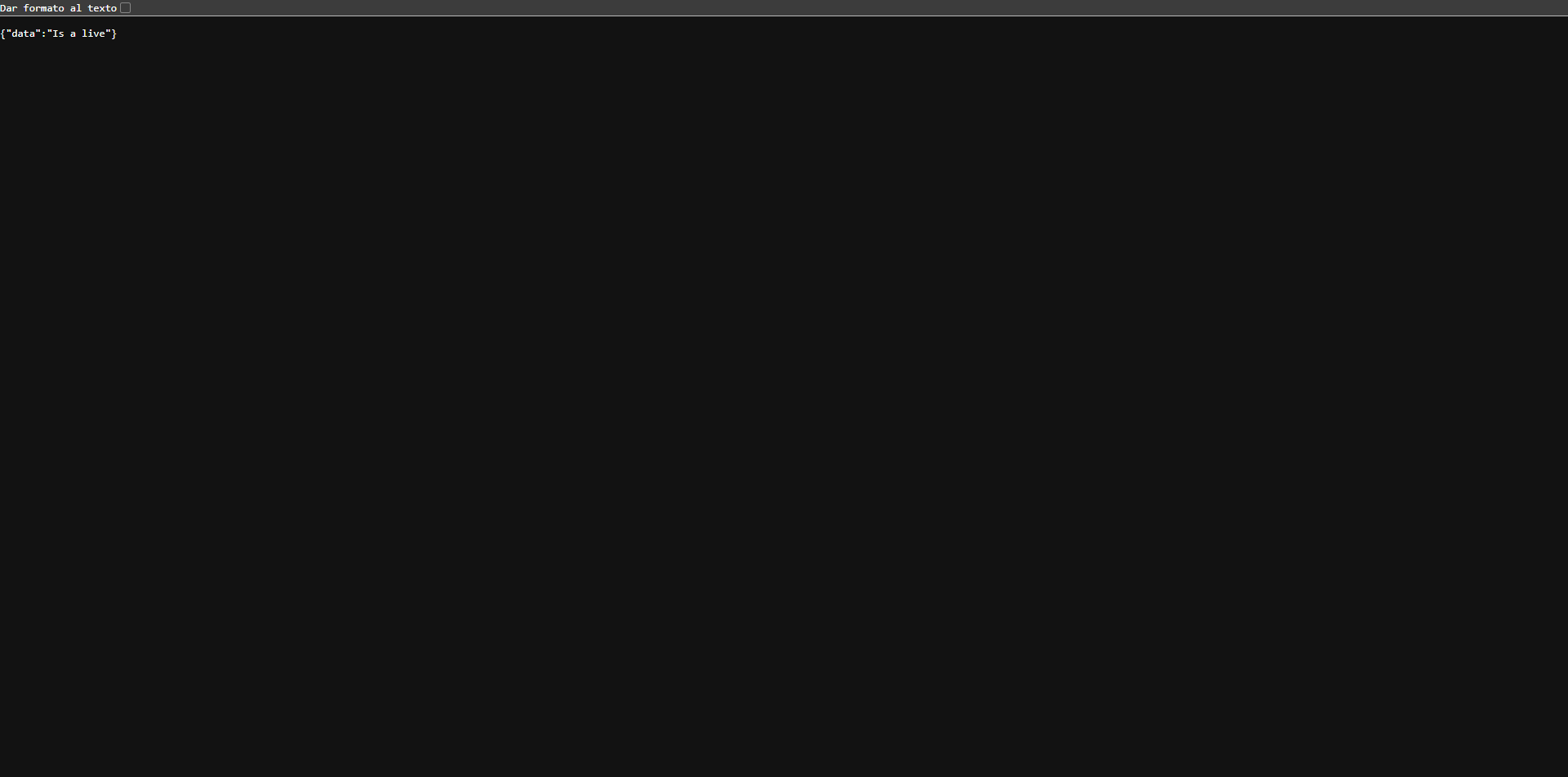
    return {"data": "Is a live"}
To run the server navigate to folder of main file and execute this command:
fastapi dev
In console we can see the fastapi server running:
⚡️ Starting FastAPI in development mode

 🐍 Using import string: main:app (auto-discovered, use --verbose to learn more)

 💡 You can configure an entrypoint in pyproject.toml for this app with:

    [tool.fastapi]
    entrypoint = "main:app"

 🌐 Server started at http://127.0.0.1:8000
    Documentation at http://127.0.0.1:8000/docs

  Logs:

 ▕  Will watch for changes in these directories:
    ['backend\code']
 ▕  Uvicorn running on http://127.0.0.1:8000 (Press CTRL+C to quit)
 ▕  Started reloader process [22708] using WatchFiles
 ▕  Started server process [13096]
 ▕  Waiting for application startup.
 ▕  Application startup complete.
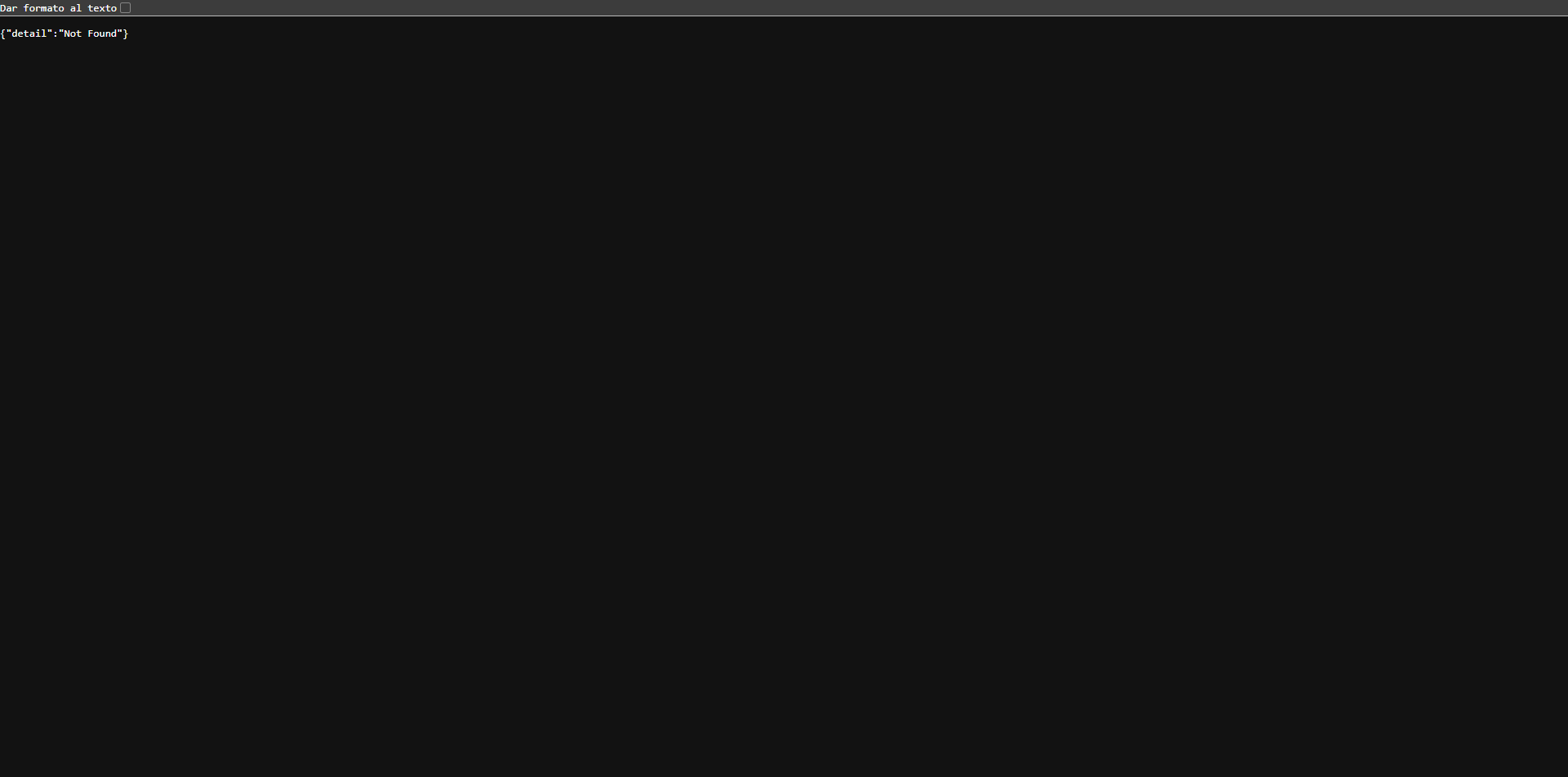
As instructions indicate, if you navigate to localhost:8000 in your web navigator can see the next page:
But now if we navigate to the endpoint created we can see this:
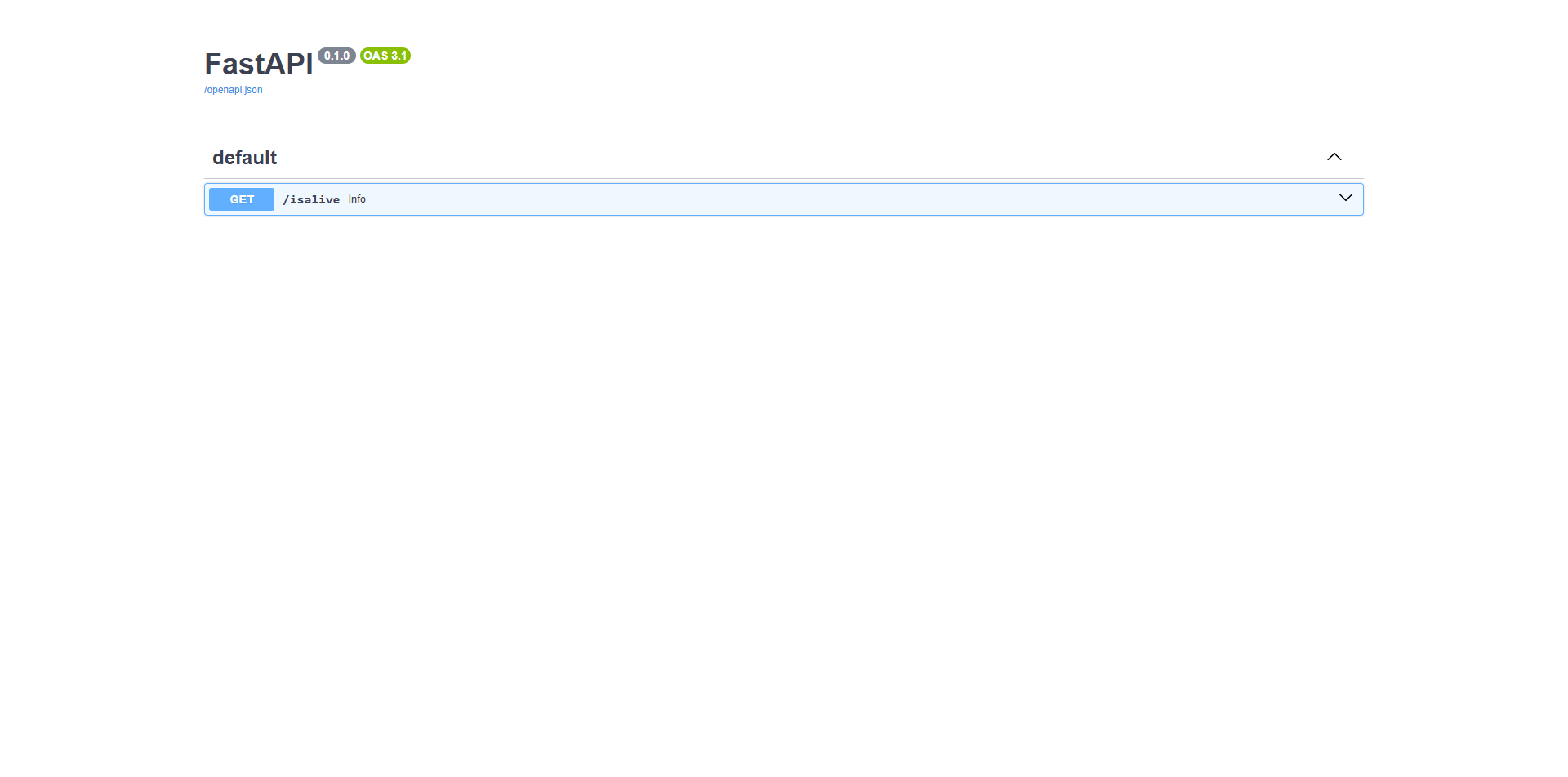
We can navigate to documentation page of api localhost:8000/docs:

Member discussion: